1 Biolink Page
Set up one GreenQR Link page for visitors to open.
Start with one GreenQR Link page, up to 10 blocks, and one QR code. This guide explains the Free plan’s defined limits, a simple first setup, and when you may need more capacity.
Free account creation is available.
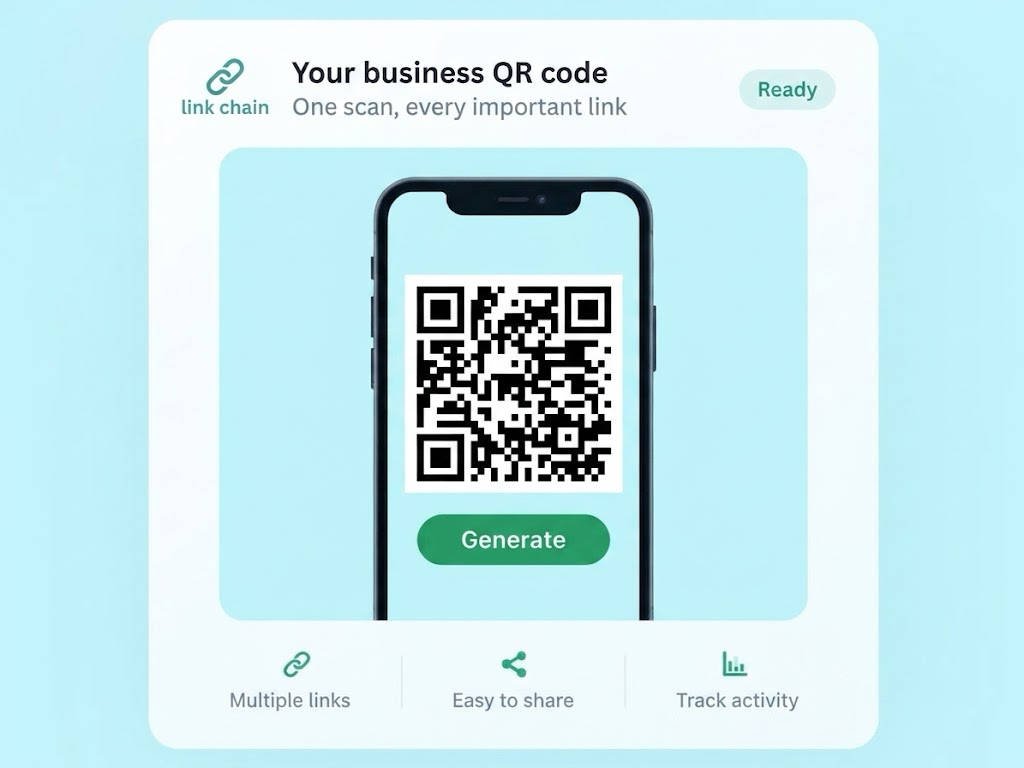
Understanding the Limits
Your QR opens the page, where visitors choose a destination. For that flow, read QR Code for Multiple Links. Here, the focus is what fits within Free.
A page is the GreenQR Link page visitors open after scanning.
Blocks are content items placed on that page. Use the supported blocks available in your account.
Current Plan Allowances
These are the documented allowances relevant to a first QR setup, not a promise that every product feature is included.
Set up one GreenQR Link page for visitors to open.
Choose useful content items within the documented block limit.
Generate one QR code connected to your GreenQR Link page.
The Free plan lists a limit of one pixel. This allowance does not mean tracking is configured automatically.
Statistics history has a documented one-month retention period.
Free does not include removable branding. Check the available controls in your account; this guide does not assume a particular branding placement or appearance.
A Simple First Setup
Start with the few destinations your visitors need. You do not have to fill every available block.
Create a Free account and set up your single GreenQR Link page.
Add the links or supported blocks that matter most, within the 10-block limit. Generate the QR code connected to your page.
Open your page, check its destinations, and test the QR scan before sharing.
For image preparation and scan testing, read Custom QR Codes.
A small business could start with Link blocks for its website, social profile, menu, booking page, and contact destination. Use existing external destinations where applicable. These links do not imply native menu hosting, booking, ordering, reviews, or ecommerce inside GreenQR Link.
This is one illustrative setup, not a required list. Choose only the destinations useful to your visitors and stay within the documented Free limits.
You can edit content on the connected page and update existing destination links. A printed QR can continue to work if it still opens the same available GreenQR Link page URL. The printed QR image itself does not change visually when page content changes.
Check the page and destinations after an update. For organizing and maintaining links, use Smart QR Landing Pages.
Free may fit a starting setup that needs one page, stays within 10 biolink blocks, and uses one QR code. Compare those limits with what you actually need before choosing a plan.
If one page or 10 blocks is too little for your setup, Pro currently lists 5 biolink pages and 30 biolink blocks. This is a capacity comparison, not a recommendation that everyone needs to upgrade.
Free currently lists 1 month of statistics retention. For definitions and limitations, read QR Code Analytics. This guide does not assume that every analytics field is available on Free.
No. Free currently includes 1 biolink page, 10 biolink blocks, 1 QR code, 1 pixel, and 1 month of statistics retention.
Yes, existing destination links can be updated. The printed QR remains usable only if it still opens the same available GreenQR Link page URL.
This page does not assume that. Check the controls available in your account before choosing a design.
Consider more capacity if your setup needs more than one page or 10 blocks. Pro currently lists 5 biolink pages and 30 biolink blocks.